Loop Habit Tracker Alternatives: Sync, Backup, and iPhone (2026)
Loop is excellent — until you need a second device, a backup you did not forget to make, or an iPhone. An honest comparison of the main Loop alternatives, including which one imports your history.
Looking for a Loop Habit Tracker alternative? Start with an honest caveat: almost nobody leaves Loop because the app is bad. It is free, open source, ad-free, private, and its habit score is kinder than most streak counters. People leave for exactly four reasons — they bought an iPhone, they want their habits on a second device, they are afraid of losing years of history to a phone accident, or they need more than a yes/no checkbox.
If a single Android device is your whole setup, keep Loop — it is the strongest free tracker on Android. This guide is for everyone else: a comparison of the main alternatives on the four things that actually drive people away, plus the honest tradeoffs of each — including which one can import your Loop history.
Why people leave Loop Habit Tracker
Loop has around five million installs and a 4.7-star rating from over 60,000 reviews on Google Play — and its design has not changed in years. That stability is a feature, but it also defines the boundaries. The four documented reasons people look for an alternative:
- They switched to an iPhone. Loop is Android-only, has never shipped an iOS version, and none is planned. A phone upgrade means starting from zero — or leaving your history behind.
- They want a second device in sync.Loop's local-only database is the source of its privacy guarantee and also its most common complaint: a tablet, a second phone, or a web view means manual exports, every time.
- They worry about backup. Everything lives in one local database. Exports are manual (CSV or SQLite), nothing runs automatically, and a lost or drowned phone takes the history with it unless you were diligent about exports.
- They need richer tracking formats. Loop tracks yes/no checkmarks with counts, and measurable habits — but if your system wants timers, multi-step checklists, tasks, or profiles, you outgrow the checkbox model.
The main Loop alternatives, compared
Here is the honest side-by-side, based on each app's official store listing or documentation as of publication:
| Aspect | Loop | HabitGrip | HabitNow | HabitKit | Habitify |
|---|---|---|---|---|---|
| Platforms | Android only | Android; iPhone and iPad planned | Android only | Android and iPhone | Android, iPhone, Mac, web |
| Sync between devices | None | Optional, on the relevant paid plan | None (manual backups only) | None (manual export/import) | Yes, via account |
| Backup | Manual CSV / SQLite export | Local backups; automatic cloud backups on the relevant plan | Local backups; optional paid cloud backup | Manual export to file | Cloud, via account |
| Imports Loop's CSV | — | Yes — direct import of the CSV export | No | No | No |
| Account required | No | No | No | No | Yes |
| Tracking formats | Yes/no with counts; measurable habits | Yes/no, numeric, timer, checklist — plus tasks | Habits, tasks, routines, timers | Yes/no grid tiles | Yes/no, numeric, timed |
| Price | Free, fully (GPLv3) | Free for 5 habits; one-time Pro; Ultra adds sync | Free to about 7 items; ~$12 one-time premium | Small free tier; $29.99 one-time (subs optional) | Subscription; free plan holds 3 habits |
Product details can change; verify current pricing and features in each app's store listing before switching. HabitGrip entries reflect this site's current product information.
Where HabitGrip is the better fit
HabitGrip sits closest to Loop in values and furthest ahead on the four exit reasons. Like Loop, it is local-first, works fully offline, and needs no account — your data lives on your device by default. Where Loop stops at the local database, HabitGrip adds what Loop deliberately will not: optional cross-device sync and automatic cloud backups for people who want their history protected without remembering to export, with a free tier that covers everyday tracking (5 habits) and a one-time Pro upgrade rather than a subscription.
The migration story is the part no other Loop alternative offers: HabitGrip imports Loop's CSV export directly. Export from Loop's settings, point HabitGrip's importer at the file, and preview what will be created before anything is written — habits and completion history come along, so your heatmaps keep their meaning. Loop's SQLite backup cannot be imported directly; the CSV is the path. The importer documentation at habitgrip.com/docs/custom-import covers supported formats in detail.
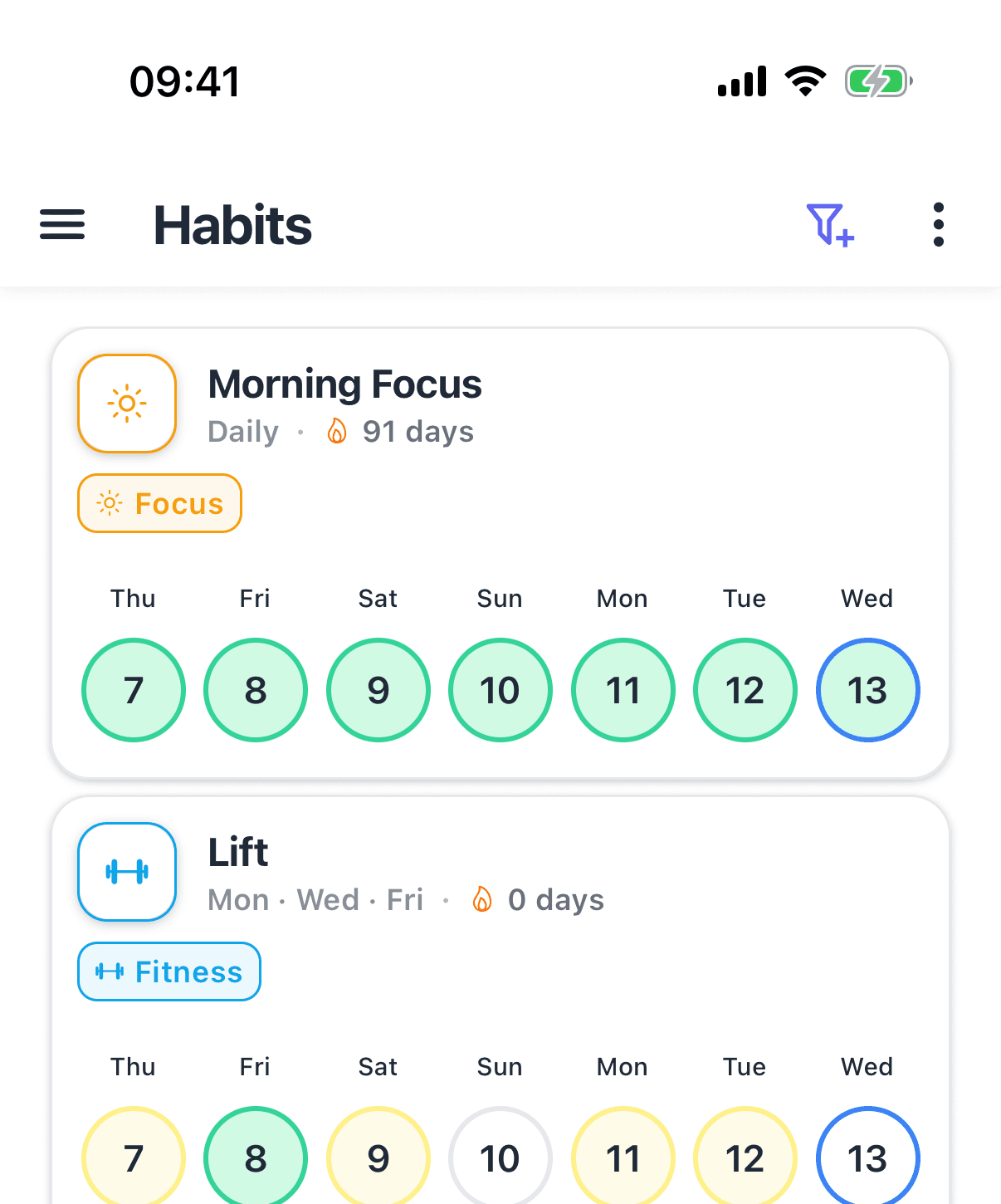
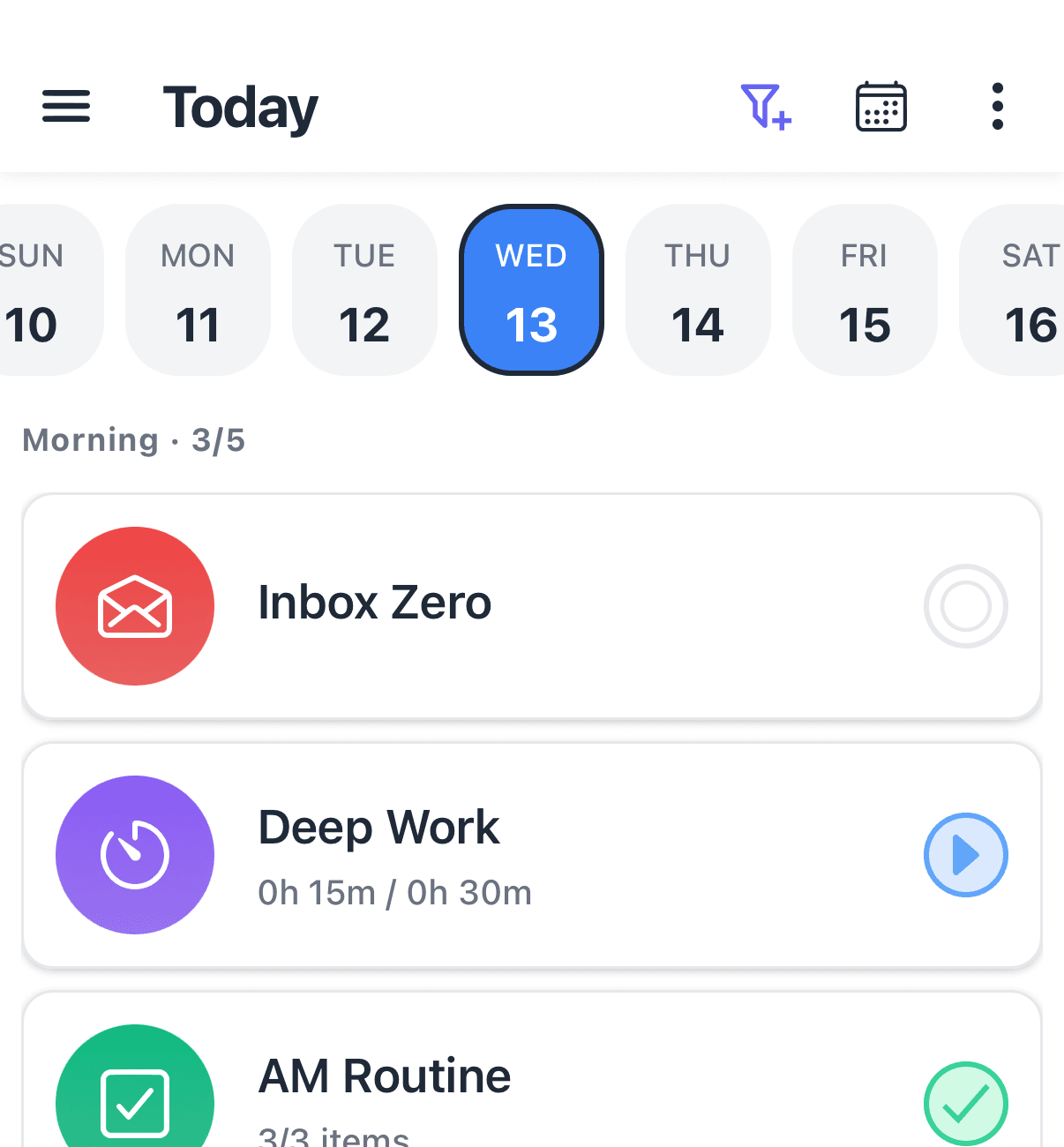
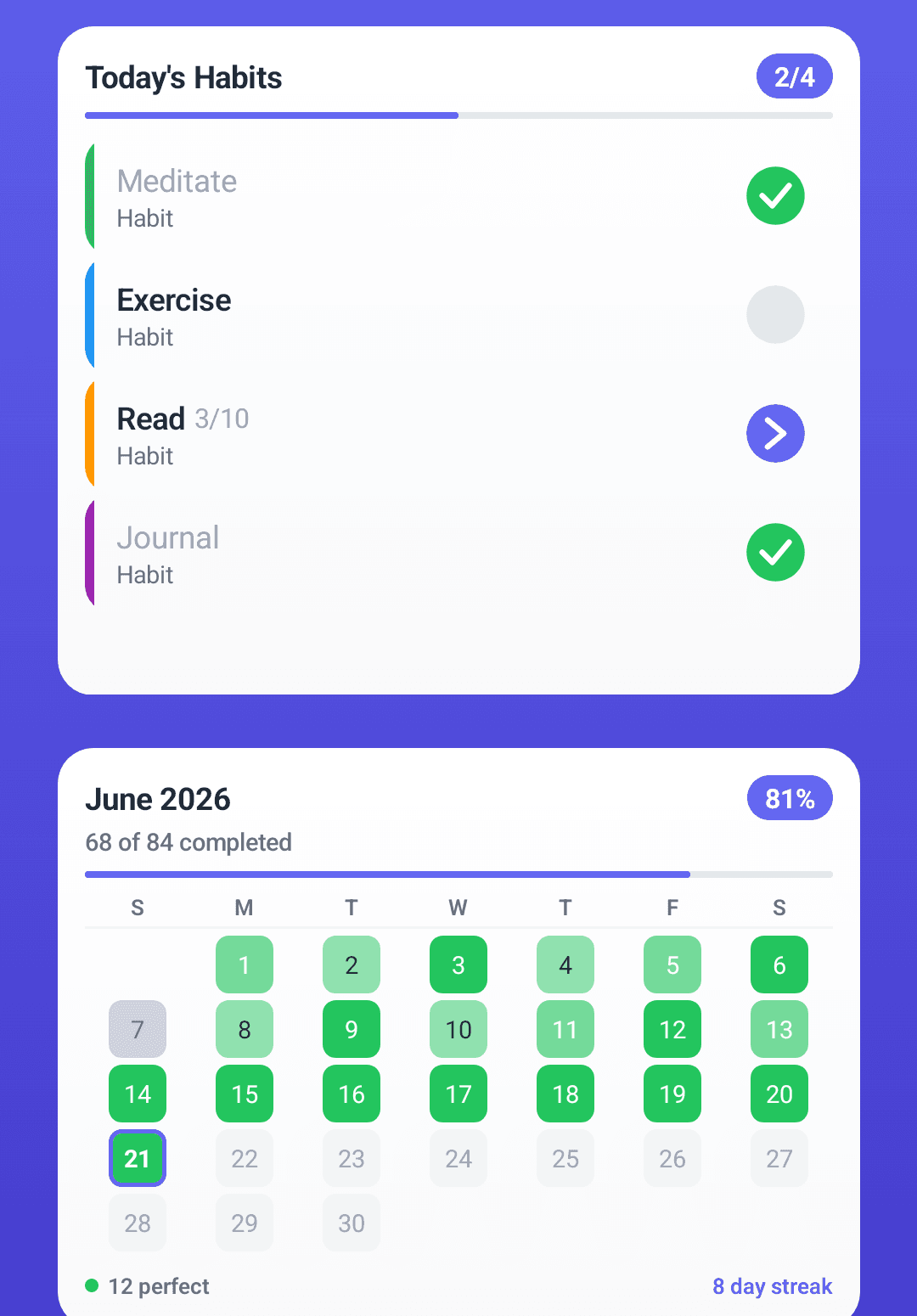
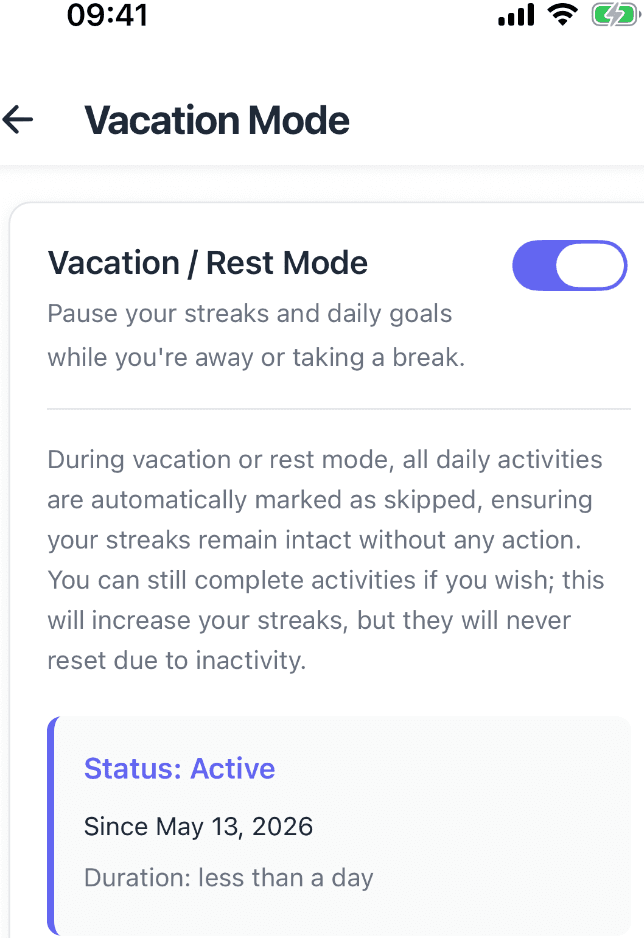
The tracking model is broader, too. Where Loop gives you a checkbox with counts, HabitGrip offers four habit formats — yes/no, numeric targets, timer sessions, and checklists — plus one-off and recurring tasks in the same Today view, profiles and tags for organization, and vacation mode for planned breaks. Schedules handle specific weekdays, every-N-day rhythms, ordinal dates, and flexible weekly targets. If you liked Loop's forgiving philosophy, HabitGrip goes further: skipped days are first-class records, not silent failures.
When Loop is still the right choice
To be direct: if you track on one Android phone, love the open-source model, and want a focused checkbox tracker, Loop remains the best app in its category — and it costs nothing forever. Nothing here changes that. HabitGrip makes sense when your system grows past one device or one checkbox: multiple devices, real backups, richer formats, tasks alongside habits, or a migration that keeps your history intact.
Other alternatives, honestly
HabitNow is the closest straight replacement if you stay on Android: habits, tasks, and timed routines with excellent alarms, a one-time premium of roughly $12, and a free tier capped at about seven habits and tasks combined. It remains Android-only, sync is manual, and it does not import Loop data.
HabitKit runs on both phones and draws a tile grid many people love; its data stays on-device with no sign-in, and a one-time $29.99 covers it permanently. It tracks yes/no only — no numeric targets or checklists — and moves data by manual export/import, not sync.
Habitifyis the widest net: Android, iPhone, Mac, web, and watches, with an account-based cloud. The free plan holds three habits, and pricing is a subscription — the opposite trade from Loop's everything-free model. A newer option, Habit Pocket, targets iPhone and web with sync and admits it has no Loop importer at all; its Android app is still on the roadmap.
Switching from Loop without losing your history
Export the CSV from Loop's settings — that file, not the SQLite backup, is what importers read. In HabitGrip's custom importer, select the file, review the preview of habits and mappings it proposes, and confirm. Your Loop data is never modified or removed by importing, so keep using Loop in parallel for a week while you verify the imported history and schedules. Once everything looks right, keep one CSV copy as an archive if you might want a way back, then uninstall Loop or delete its data on your schedule.
A full walkthrough with screenshots is in our HabitGrip vs. Loop comparison, and the general method — export, import, verify, parallel-run — is the same across our Habitify, Habit Bull, Productive, and HabitNow migration guides.
Frequently asked questions
Is there a Loop Habit Tracker for iPhone?
No. Loop ships on Google Play and F-Droid only, has never had an official iOS version, and its developers have not announced one. Apps named similarly on the App Store come from different developers — downloading them does not get you Loop, so check the publisher before installing.
Can Loop Habit Tracker sync between devices?
No. Loop keeps everything in a local database on one Android device — the same local-only design that guarantees its privacy. Moving data to another device means exporting a CSV or a full SQLite backup by hand and starting from that file; there is no automatic sync between a phone, a tablet, or the web.
How do I back up Loop Habit Tracker data?
Loop can export spreadsheets (CSV) or a full database backup (SQLite) from its settings. Both are manual — nothing runs automatically — so it is worth exporting after meaningful milestones or before switching phones. Without an export, losing the phone means losing the history.
Does HabitGrip import Loop data?
Yes. HabitGrip imports Loop's CSV export and previews the import before creating anything, so habits and completion history come with you. The SQLite backup format cannot be imported directly. Your original Loop data is left untouched — keep using Loop in parallel while you verify, and keep an export if you plan to delete anything.
Is Loop Habit Tracker really free?
Yes, genuinely. Loop is open source under GPLv3, has no ads, no in-app purchases, and no subscription — everything is available free, on Google Play or F-Droid. That is a real reason to keep it if a single Android device covers your needs; alternatives only matter when you outgrow the one-device setup.
Sources
- Loop Habit Tracker on Google Play
- Loop Habit Tracker project documentation
- Loop Habit Tracker privacy policy
- HabitNow on Google Play
- HabitKit on the App Store
- Habitify website
For the complete tracking system behind these apps, start with the complete guide to habit tracking.
Bring your Loop history with you
HabitGrip imports Loop's CSV export, adds optional sync and backups, and keeps offline tracking at the center.