Habit Tracker with Vacation Mode: Pause Habits Without Losing Progress
Vacations, illness, and busy weeks break streaks that were never scheduled to survive them. How five popular apps handle planned breaks — and what a good vacation mode should do.
A habit tracker with vacation mode lets you pause your routines for a planned break — travel, illness, a family visit — without the pause turning into a string of missed days or a destroyed streak. This guide compares how five popular apps handle planned breaks, explains what a good pause feature should do, and shows the honest workarounds for apps that lack one.
The principle behind it: a tracker should record real life, not judge it. Research on habit formation backs the stakes here — a University College London study found that missing a single day does not measurably derail habit formation, so a break itself is not the problem. The problem is a tracker that counts your vacation as failure, and the motivation collapse that follows.
Why vacations break streaks
Streaks measure consecutive days. That is a useful signal for a habit that genuinely happens every day — and a lie for everything else. The moment you plan a trip, get sick, or host family for a week, a consecutive-day counter is structurally guaranteed to fail, no matter how consistent you have been for months.
The research is reassuring about what actually matters. Lally's UCL team followed people building daily habits and found that missing one day had no measurable effect on habit formation — automaticity kept building on overall consistency, not perfection. What does damage long-term adherence is the response: the guilt spiral after a red X, the "I've already ruined it" spiral, and the quiet decision to stop opening the app. A tracker that treats a planned break like a failure manufactures exactly that spiral.
How five popular apps handle planned breaks
Some trackers have designed for this; others leave you to workarounds. Here is the honest comparison, based on official documentation as of publication:
| App | Planned-break support | Scope | After the break |
|---|---|---|---|
| HabitGrip | Vacation Mode — pause habits for a planned break | Pause what you choose; nothing becomes a missed day | History stays available and truthful; resume the routine cleanly |
| Productive | Vacation mode — pause or stop a habit, resume anytime | Per habit | Paused habits stay visible but are not required while paused |
| Habitica | "Pause Your Dailies" / Rest in the Inn; grey dailies via start dates | Account-wide damage pause | Protects health from missed dailies — but during quests, party members' missed dailies can still damage you |
| Loop Habit Tracker | None — no pause feature in its documentation | — | Habit score is forgiving, but streaks reset after consecutive missed days |
| Fabulous | No documented pause; community advice is to silence routine alarms or swap rituals | — | Streak behavior varies by routine; no pause semantics to protect the record |
Product details can change; the entries above are based on each app's official help center, FAQ, or store listing as of publication. HabitGrip entries reflect this site's current product information.
The pattern worth noticing: the feature is not about whether an app is serious — Productive and Habitica both take breaks seriously. It is about whether the pause is a first-class record or a workaround bolted onto a punishment system. That difference shows up in the weeks after you get back.
What a good vacation mode should do
If you are choosing a tracker — or auditing the one you have — here is the checklist that separates a real pause feature from damage control:
- Planned, not retroactive. You decide before the break starts that these days are not scheduled, instead of repairing the record after the streak already reset.
- Nothing becomes a missed day. Paused days should be neither red marks nor silent fake checkmarks — the record simply shows a deliberate suspension.
- History stays intact. Your heatmap and stats keep every real day before and after the break; a three-week pause should not cost you a year of context.
- Reminders rest too. Notifications for paused habits should stop, or the break becomes a guilt alarm clock.
- Clean resume. When you come back, the routine starts where it left off — no make-up debt, no counter to rebuild from zero.
Pause support also pairs with honest scheduling. If your habit was already configured as "three times a week, any days," half of these problems never occur — which is why flexible schedules and vacation mode are complements, not alternatives. Our gym consistency guide shows the scheduling side of that equation.
Using Vacation Mode in HabitGrip
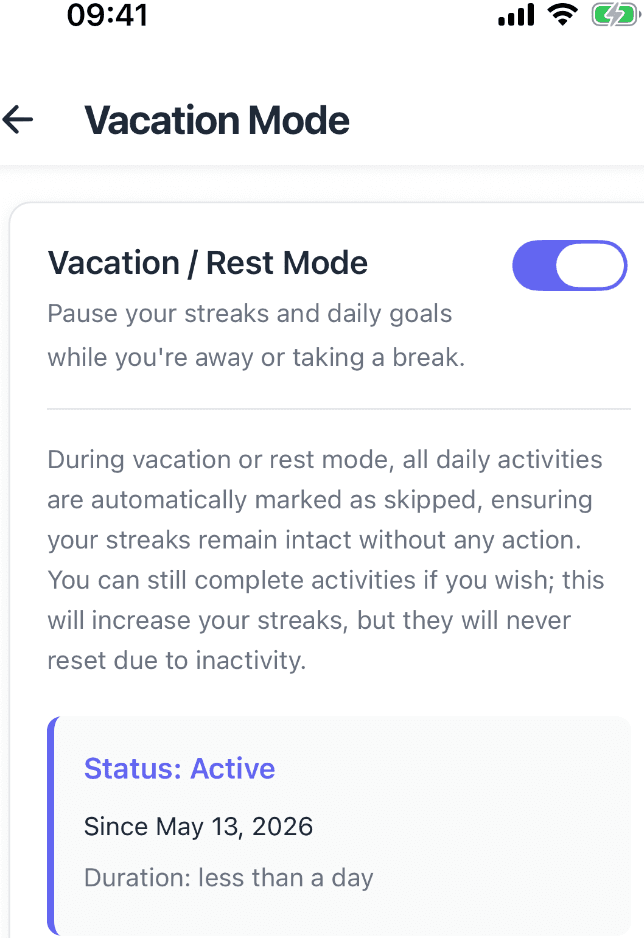
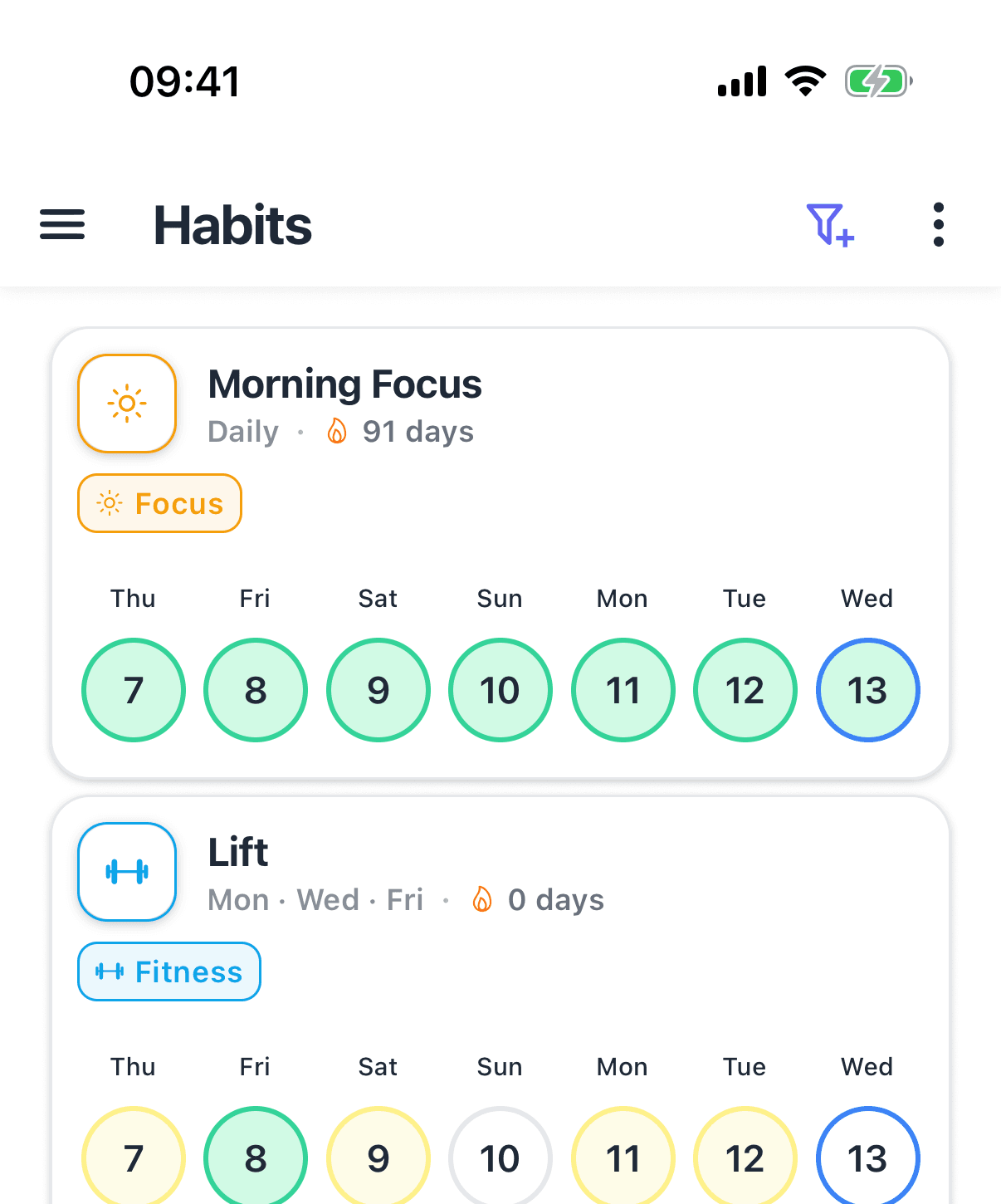
In HabitGrip, Vacation Mode pauses your habits for a planned break so that travel or time away does not turn into a string of missed days. Your history remains fully available while paused — the heatmap does not grow a week of gaps — and the routine resumes when you return. Because HabitGrip records done, skipped, and failed days as separate states, the pause sits alongside an already-honest record rather than replacing one.
If you are setting up the app fresh, the beginner's guide to HabitGrip covers scheduling and vacation mode in the walkthrough. And if you are coming from another app whose break handling has been wearing you down, moving your history takes minutes — see the migration guide for Productive or the comparisons with Loop and Habitica.
Workarounds in apps without a pause
If your current app lacks a first-class pause, you are not stuck — but know what each workaround costs in honesty:
- Habitica:open Settings and use "Pause Your Dailies" (or Rest in the Inn) before you leave. Accept that the protection is account-wide, and schedule around quests — your own pending progress pauses, but party members' missed dailies can still hurt you mid-quest. For a long trip, setting a dailies' start date to your return day makes them grey and undamaging until then.
- Loop Habit Tracker: there is no pause, so decide in advance what you will do — either keep logging honestly and accept the streak reset (the habit score keeps most of your progress), or switch to tracking only habits that genuinely continue while you travel. The data stays exportable, so your history is never at risk.
- Fabulous:the documented-by-community approach is to turn off the routine's alarms for the duration — nothing to check off, and per community answers the success chain stays intact when alarms come back on. It works, but it is a ritual-by-ritual manual process.
All three workarounds share a weakness: they protect the app's mechanics, not the record's meaning. A pause feature encodes what actually happened — "I chose not to run this while away" — which is the difference between a truthful history and a patched one.
Beyond the pause: skipped days and honest records
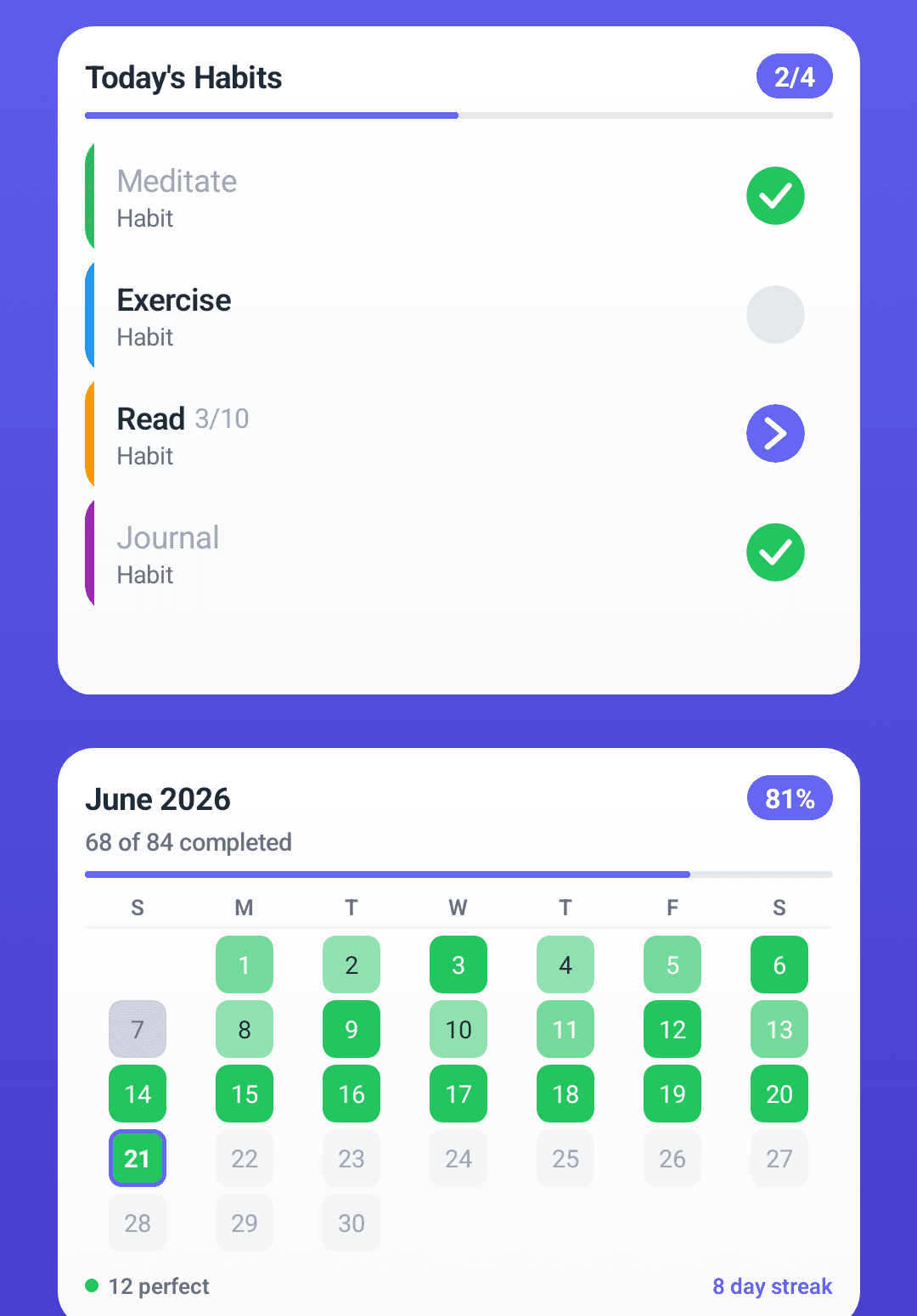
Vacation mode covers planned breaks. Unplanned ones — sick days, a rough week, a sprint at work — need a lighter mechanism: the ability to mark a day as skipped rather than failed, so the history distinguishes decisions from slips. Together, the two features are what make a tracker survivable for years rather than for a 30-day challenge.
For the deeper why and how, see our guide to tracking habits without obsessing over streaks and the complete guide to habit tracking, which covers the whole system from schedules to weekly reviews.
Frequently asked questions
Does Loop Habit Tracker have vacation mode?
Not as a dedicated feature. Loop's listing and documentation describe no way to pause habits for a planned break. Its habit score is deliberately forgiving — the formula is designed so a few missed days after a long streak do not erase your progress — but the streak counter itself resets after consecutive missed days, and there is no mechanism that marks a planned absence differently from a slip.
Does Habitica have vacation mode?
Not by that name, but it has two close equivalents. The 'Pause Your Dailies' setting (called Rest in the Inn in the game) prevents you from losing health for missed dailies while you are away, and you can set a dailies' start date so it becomes inactive until a chosen date. The tradeoff: the pause is account-wide rather than per habit, and while you are resting during a quest, your party members' missed dailies can still damage you.
Does the Productive app have vacation mode?
Yes. Productive's help center documents vacation mode as a per-habit pause: you pause a habit and it stays visible in your schedule without being required, then you resume it anytime. A separate 'stop' option removes it from the schedule entirely. That makes it one of the few major trackers with a first-class pause feature.
What happens to my streak when I travel?
It depends entirely on the app. With a real pause feature, the streak survives because the days are not treated as scheduled. With skip records, you mark the days honestly and the history shows a decision, not a failure. With nothing, the streak resets — which is why so many people either abandon tracking on vacation or start lying to their own tracker.
Is vacation mode cheating?
No — it is the honest record. Faking a checkmark for a day you spent at the beach corrupts your data and your sense of the habit's real pattern. A pause says what actually happened: the routine was deliberately suspended. Heatmaps and completion rates stay truthful, which is the entire point of tracking.
Sources
- Productive Help Center: Vacation mode — how to pause a habit
- Habitica FAQ: pausing dailies and Rest in the Inn
- Loop Habit Tracker on Google Play
- Fabulous community: vacations and daily rituals
- Lally et al. (2010): How are habits formed — modelling habit formation in the real world
A tracker that survives your vacations
HabitGrip pauses routines without punishment, records skips honestly, and keeps offline tracking at the center.