HabitGrip vs. Habitica: Gamified RPG or Calm Habit Tracker?
Habitica turns your tasks into a role-playing game with avatars and parties. HabitGrip keeps tracking calm and local-first. Compare pricing, privacy, scheduling, and fit.
If you are looking for a Habitica alternative, you are really asking whether your habits should feel like a game. Habitica turns your real life into a retro RPG — avatars, XP, gold, monsters you fight by completing tasks. HabitGrip keeps the same goal but strips out the game: calm, local-first tracking of habits and tasks. Both are honest, feature-rich apps; they simply motivate in different ways.
Choose Habitica if game mechanics keep you engaged — leveling an avatar, teaming up in parties, and losing hit points for missed dailies. Choose HabitGrip if you want flexible schedules, four habit formats, vacation mode, home-screen widgets, and privacy that does not require an account. Neither is strictly better; the right pick depends on what keeps you consistent without adding stress.
HabitGrip and Habitica at a glance
| Feature | Habitica | HabitGrip |
|---|---|---|
| Availability | Android, iOS, and web | Android, with iPhone and iPad planned |
| Pricing | Core tracking free; optional Habitica Plus subscription and Gem purchases for cosmetics | Free everyday tracking; paid plans add scale and cross-device sync |
| Privacy and offline use | Account-based; tasks live in Habitica's cloud and sync across apps and web; the company says tasks stay private and data is not sold to third parties | Local-first and usable without an account; optional sync is encrypted in transit |
| Motivation model | RPG gamification: avatar, XP, gold, gear, pets, missed dailies costing health | No game mechanics; done, skipped, and failed days recorded without streak guilt |
| Habit formats | Habits (positive/negative counters), scheduled dailies, and one-off to-dos with checklists | Yes/no, numeric, timer, and checklist habits |
| Scheduling | Dailies repeat daily, weekly, or monthly; habits are counted without schedules | Specific days, every N days, ordinal dates, and flexible weekly counts |
| Tasks | One-off to-dos with due dates and checklists | One-off and recurring tasks alongside habits, with profiles, tags, and filters |
| Social features | Parties, guilds, challenges, and boss battles with other players | None — a private, single-player system |
| Widgets | Home-screen widgets plus a Wear OS app | Eight home-screen widgets, including today, streak, heatmap, and momentum views |
| Data portability | Web export of task history (CSV) and account data (JSON) | Imports several habit apps' exports and exports data and local backups |
Product details can change. The Habitica entries above are based on its official app store listings, website, and documentation as of publication; HabitGrip entries reflect this site's current product information.
Where Habitica is the better fit
Habitica is one of the few apps that makes consistency genuinely fun. Checking off a daily earns gold and experience; skipping one damages your avatar's health. For many people, that loop is exactly the nudge they need — a missed gym session does not just feel bad, it costs hit points, and a week of good habits buys new gear for a pixel character you have grown attached to.
The social layer is the other big draw. Parties let you quest with friends, challenges share task lists across a group, and guilds gather people around shared goals. Habitica is also free where it counts: unlimited habits and to-dos, all four character classes, and the full RPG system cost nothing, with an optional subscription mostly buying cosmetics. If you enjoy games, want accountability partners, or thrive on external structure, Habitica is one of the strongest options anywhere — on Android, iOS, and the web.
Where HabitGrip is the better fit
The same mechanics that motivate some players stress others. A game that punishes missed days can turn a vacation, a sick week, or a busy sprint into a broken save. HabitGrip is built on the opposite premise: your tracker should record real life, not judge it. Habits can be marked done, skipped, or failed — and skipped days stay first-class records rather than silent failures.
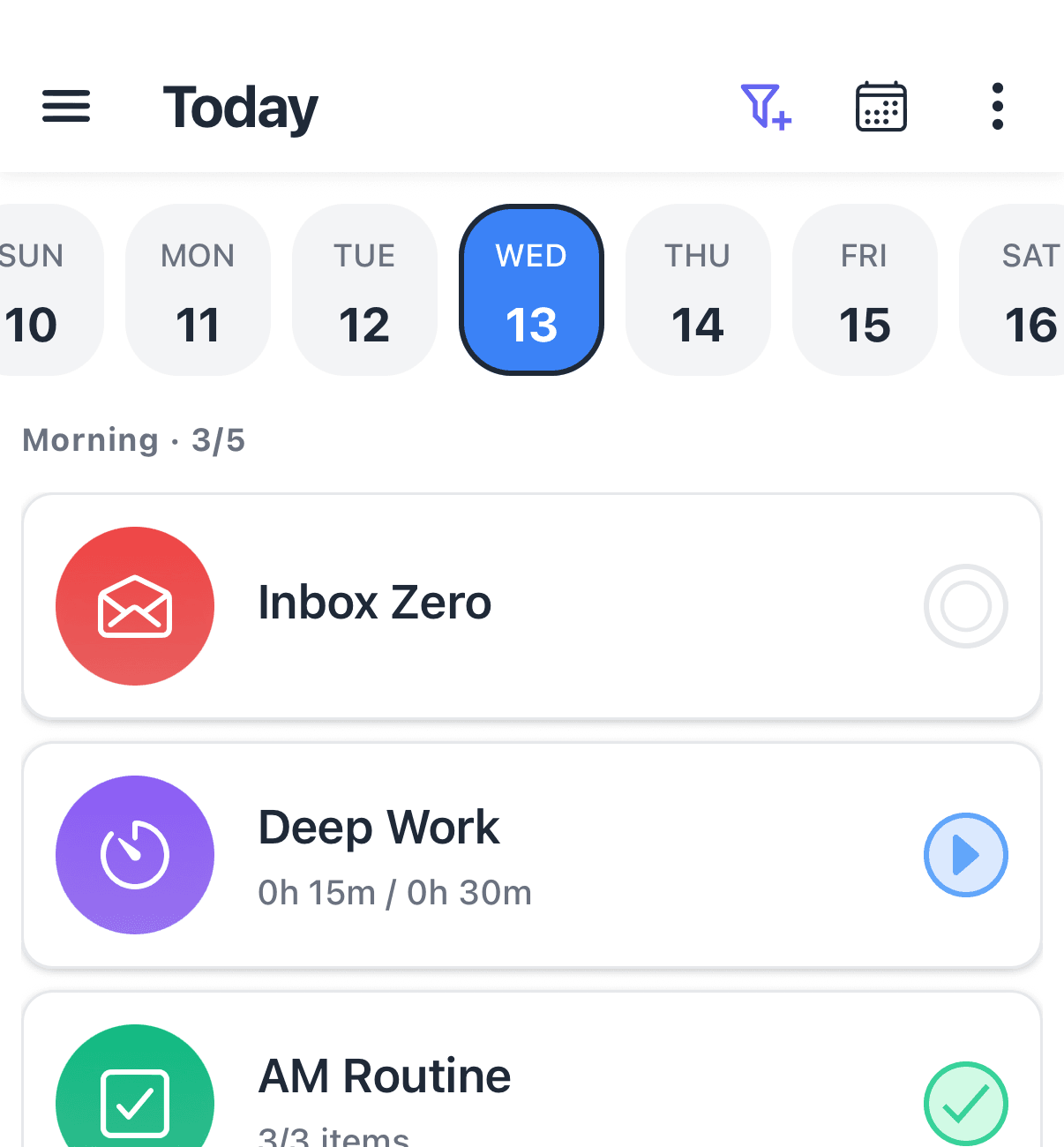
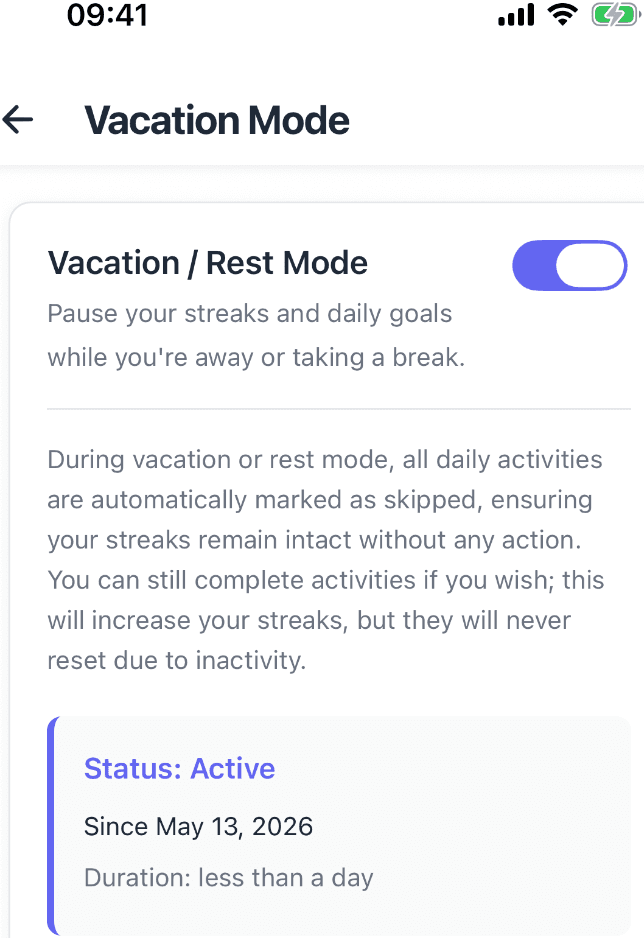
Tracking formats are broader, too. Beyond yes/no habits you can track a number such as water intake, minutes of focused work with the timer, or a multi-step checklist — with schedules matching real rhythms: specific weekdays, every N days, ordinal dates, or three times a week without preselecting days. Recurring tasks sit next to habits in one Today view, and profiles plus tags keep work, personal, and fitness contexts separate.
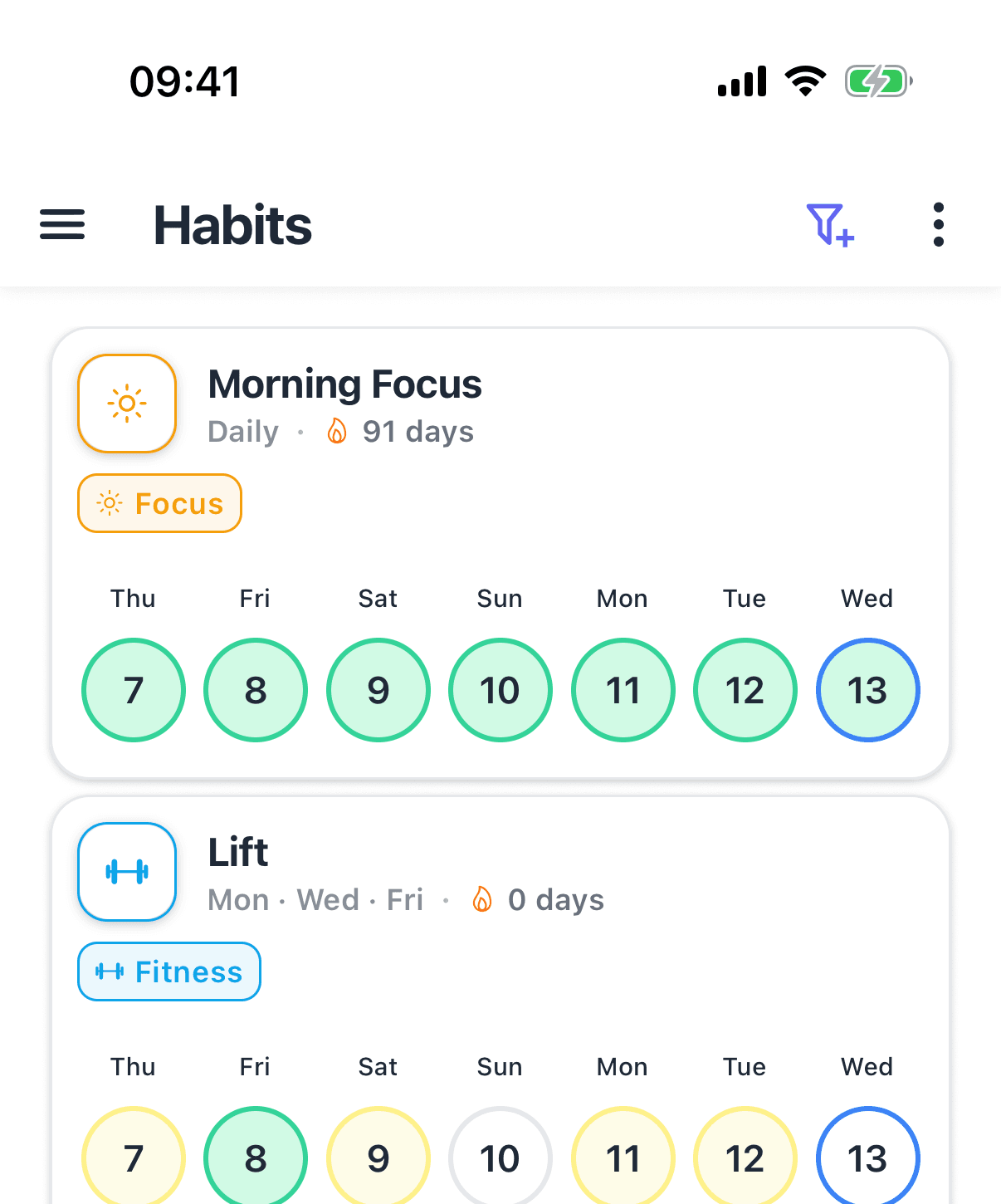
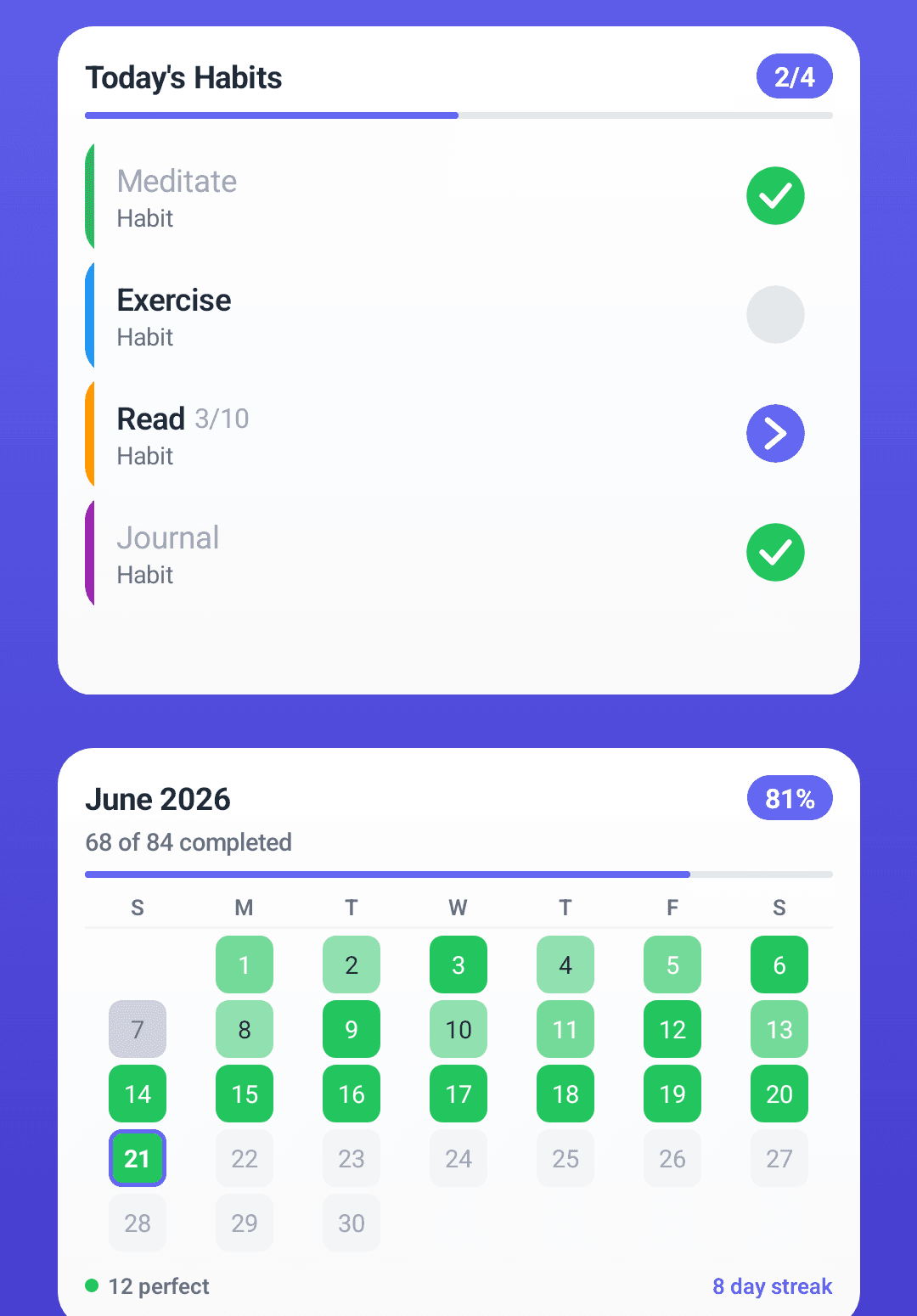
Vacation mode is the clearest contrast with Habitica's penalty model. Instead of taking damage while you are away, you pause habits for planned breaks and the history stays intact. Eight widgets keep progress one glance away, and because HabitGrip is local-first, all of it works offline without an account. If you later want data on every device, optional sync is there — but it is a choice, not a requirement.
Switching from Habitica to HabitGrip
There is no direct Habitica import in HabitGrip yet. Start by exporting your data: Habitica's web app has a Data Export tool that produces a CSV of your task history and a JSON file with your account data. Keep those files as an archive, then recreate your habits in HabitGrip — it usually takes ten minutes for a typical setup. HabitGrip's custom importer covers exports from several other habit apps; see the custom import documentation for currently supported formats in case yours is listed.
You can keep both apps running in parallel while you verify HabitGrip. Once your schedules feel right and a week of history looks accurate, stop using Habitica — the CSV and JSON exports stay valid as your permanent record even if you later delete your account.
Frequently asked questions
Is Habitica free?
Yes. Habitica's core experience is free: unlimited habits, dailies, and to-dos, the avatar and leveling system, parties, guilds, and challenges. An optional Habitica Plus subscription (about $4.99 per month or $47.99 per year) and Gem purchases mostly add cosmetics and support the developers rather than unlocking tracking features.
Do I need an account to use Habitica?
Yes. Habitica is account-based: your avatar, tasks, and history live in Habitica's cloud and sync to the Android and iOS apps and the web version. That is what powers parties, challenges, and cross-device play. HabitGrip works the other way around: it is local-first, usable without an account, and sync stays optional.
Can I move my Habitica data to HabitGrip?
Not as a direct import. HabitGrip currently has no Habitica-specific importer. You can export your history from Habitica's web Data Export tool (CSV of task history plus a JSON user file) and keep it as an archive, then recreate your habits in HabitGrip — optionally checking its custom import documentation for supported file formats. Run both apps in parallel for a week before you stop using Habitica.
Is there a habit tracker without gamification?
Yes. HabitGrip deliberately skips avatars, XP, and penalty mechanics. Habits can be marked done, skipped, or failed, vacation mode pauses routines without breaking the record, and progress is shown through heatmaps and stats rather than game consequences. If game mechanics motivate you, Habitica is the better fit; if they add pressure, a calmer tracker may last longer.
Sources
Comparing more options? See our take on HabitGrip vs. Loop Habit Tracker — or see our ranked guide to the best habit trackers of 2026, or read how to track habits without obsessing over streaks.
Whichever app you choose, the system matters more than the tool — our complete guide to habit tracking covers the practice.
Track habits without turning life into a game
HabitGrip combines flexible habits, tasks, vacation mode, and optional sync while keeping offline tracking at the center.